
SIGN ON IN THE RIGHT PLACE
The sign-on circle checks the Guard's location before facial attendance. Outside the approved area, the Guard is told they cannot sign on from there.

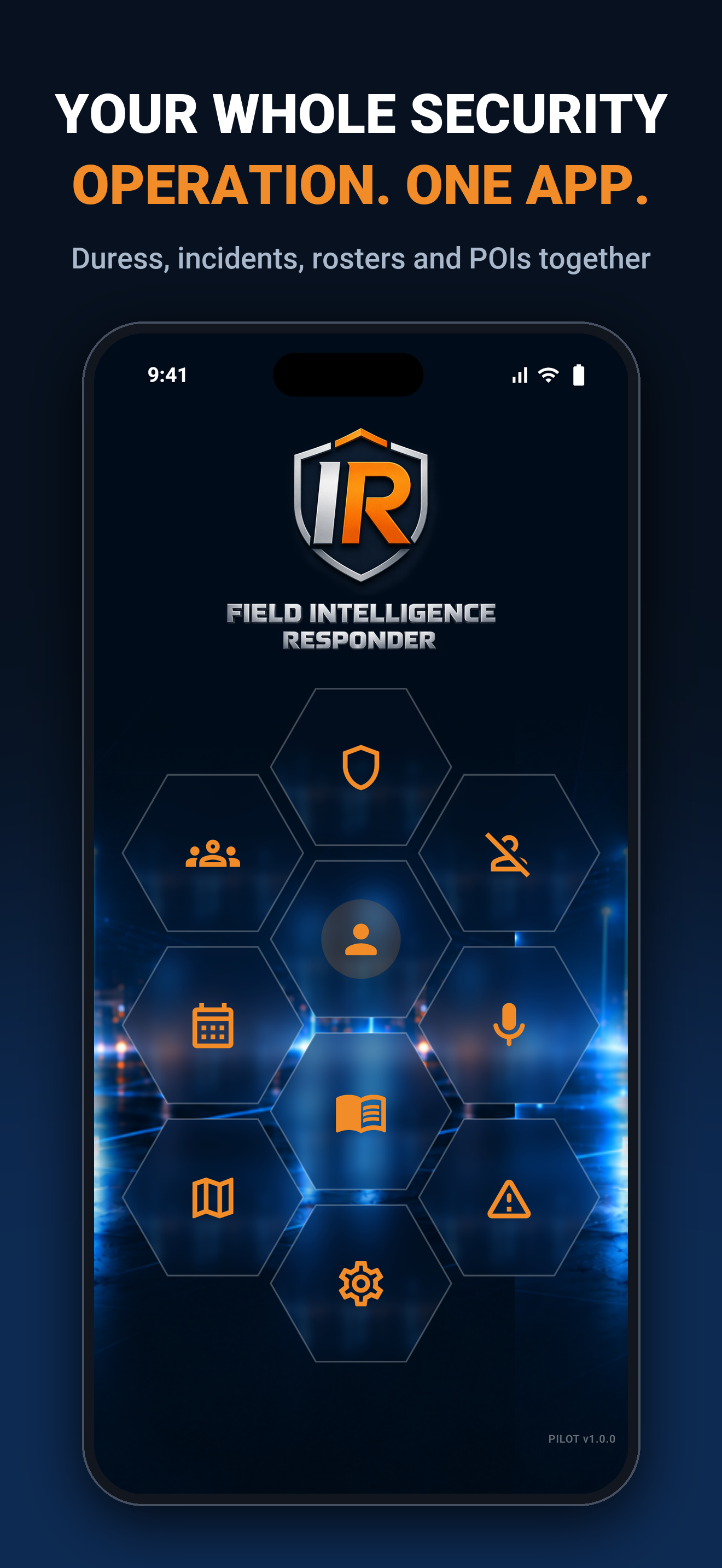
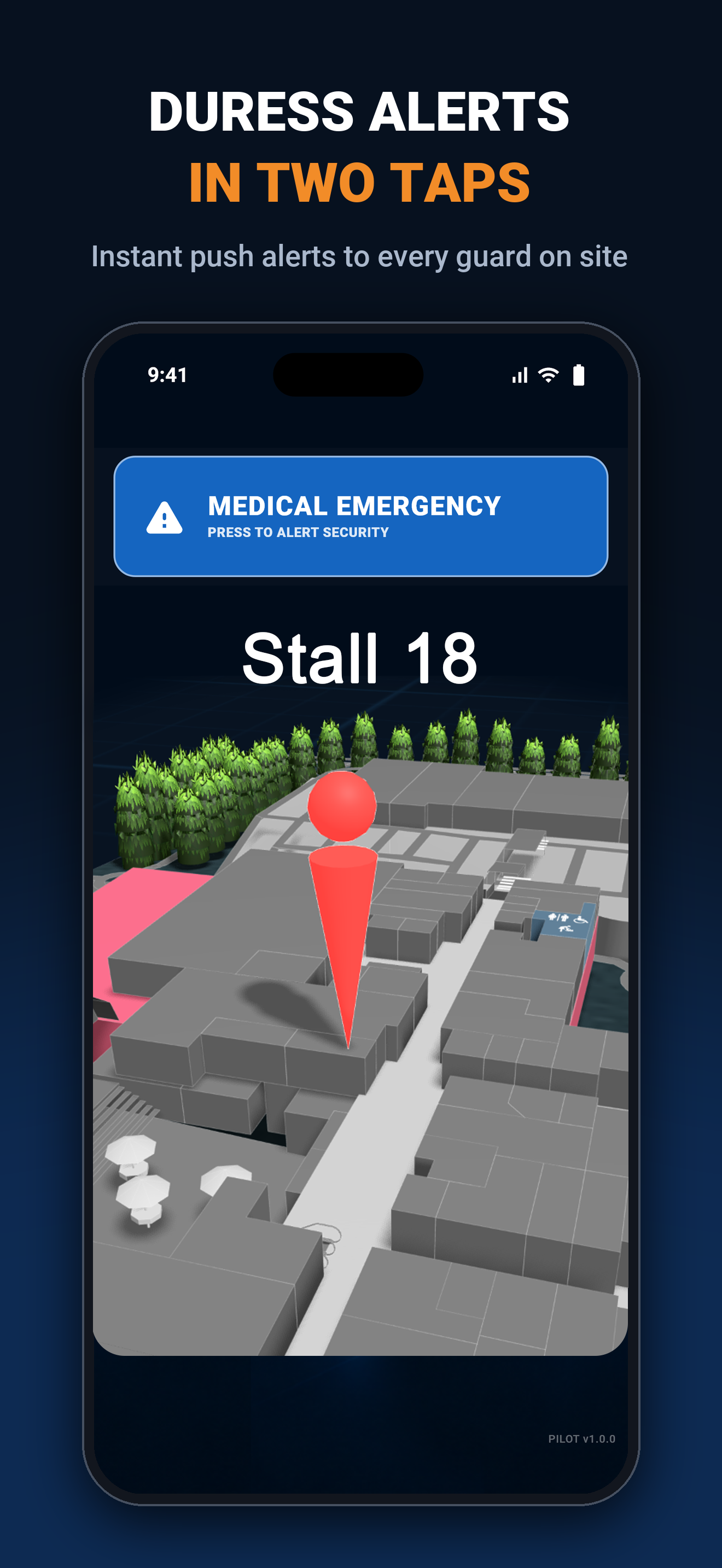
Respond faster with guard locations at a glance, duress alerts on an interactive map, live Guard and Staff rosters, and push notifications connected to the FIR app.
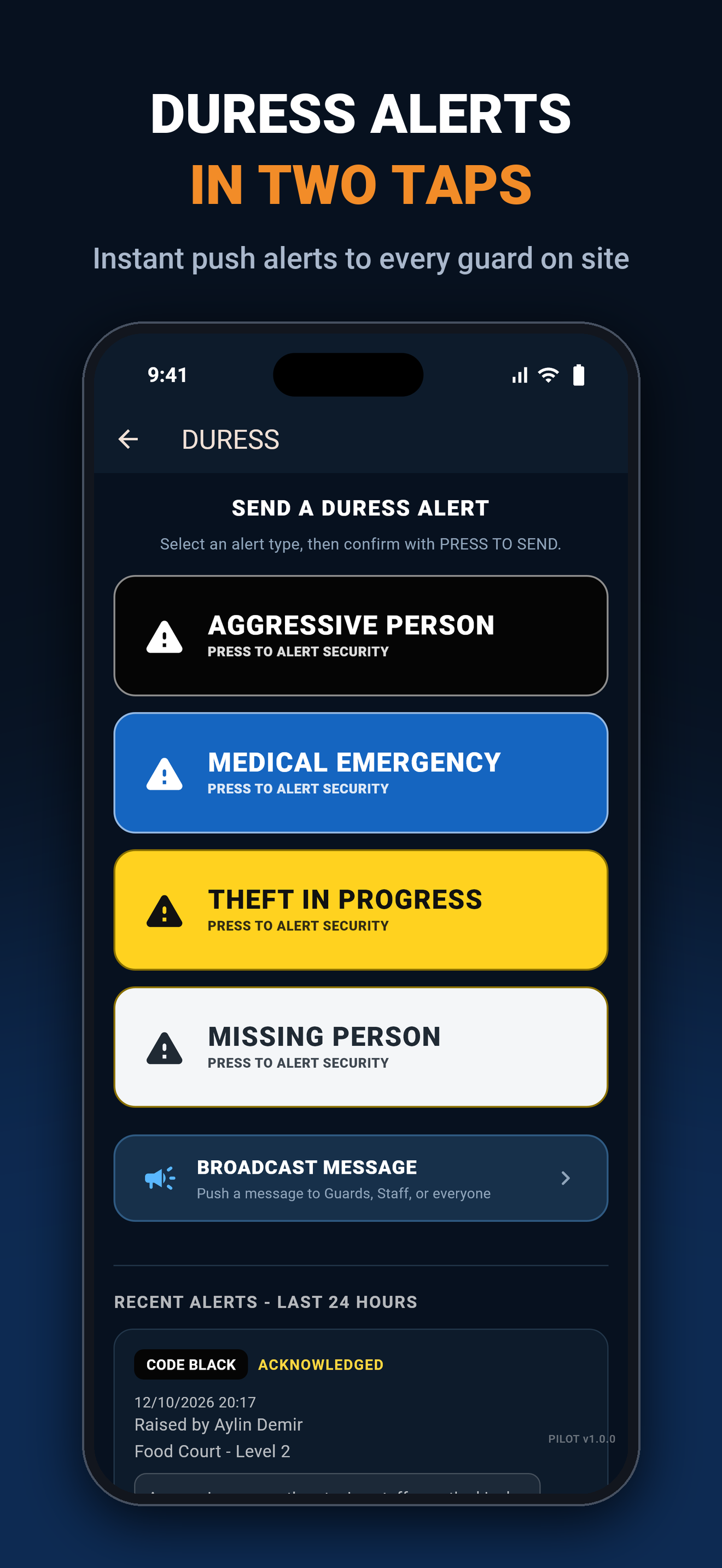
Client side Duress Alerts are immediately sent to your Guards. Once you set up your Company portal, add your staff and your Guards, and invite your clients or tenants to use the Duress Alert system that will automatically be joined to your company. Clients can send alerts immediately to your guards, and they can respond within seconds.
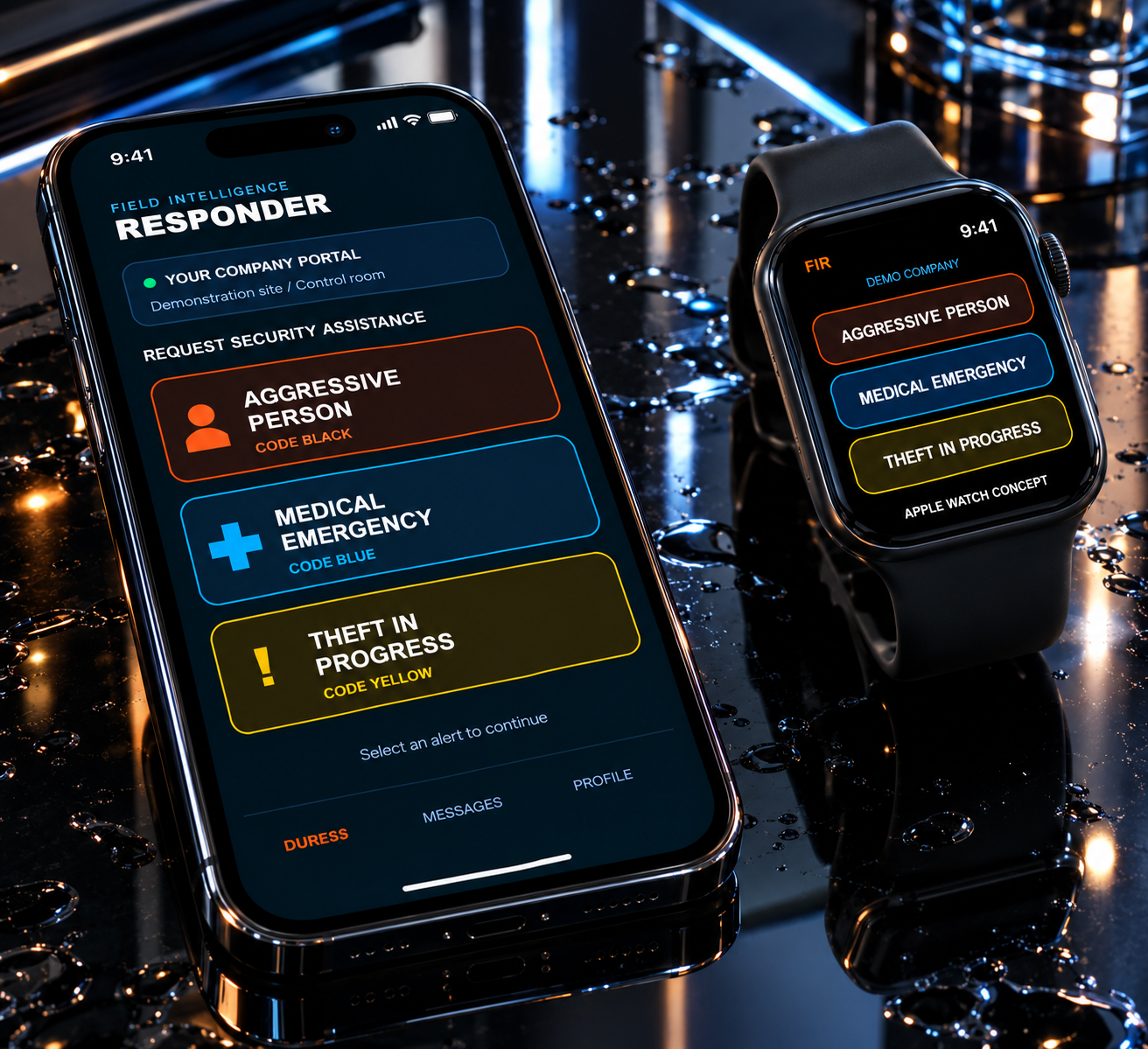
Know where your Guards are on an interactive map. Define a sign-on circle for your site, then let enrolled Guards complete facial and liveness verification inside the approved area.
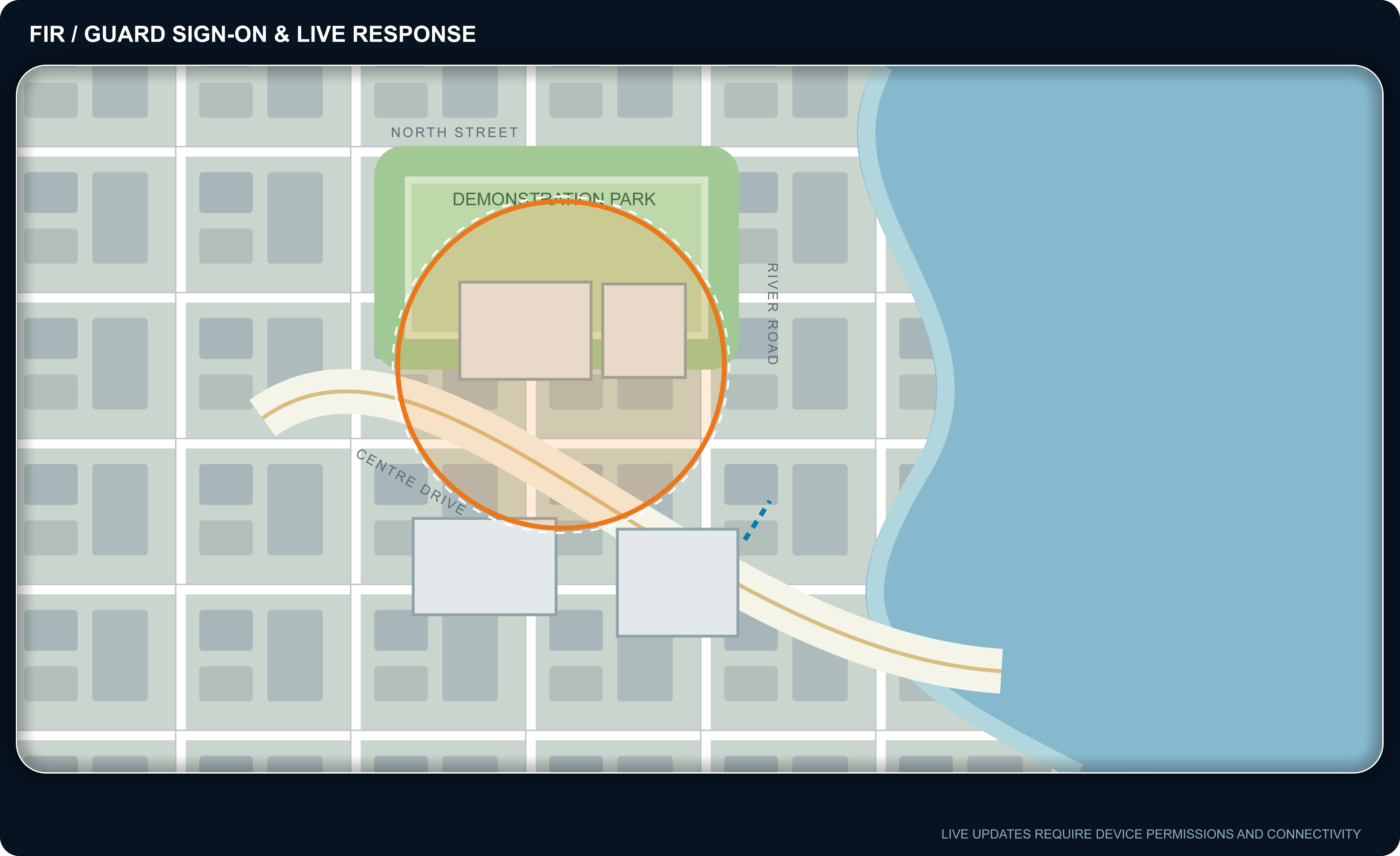
The sign-on circle checks the Guard's location before facial attendance. Outside the approved area, the Guard is told they cannot sign on from there.
Follow guard locations, duress events and response status on the desktop. Use event timestamps to review how the response progresses.
The Control Centre can send alerts and updates to all relevant Guards at once. Push notifications keep supported FIR app devices connected to the operation.
Use device location and network connectivity rather than installing dedicated beacons or receivers for this workflow.
Map backgrounds are demonstration images, not live interactive maps. Guard locations and events are fictional. Facial sign-on requires enrolment, camera/location permissions and enabled verification services. Live location and push delivery depend on device permissions, connectivity and operating-system behaviour; delivery in seconds is not guaranteed.
SET UP YOUR COMPANY PORTAL →When seconds matter, your control room needs the location, the people and the next action in one place. FIR connects the interactive site map, live rosters and the FIR app so your team can act without searching across separate systems.
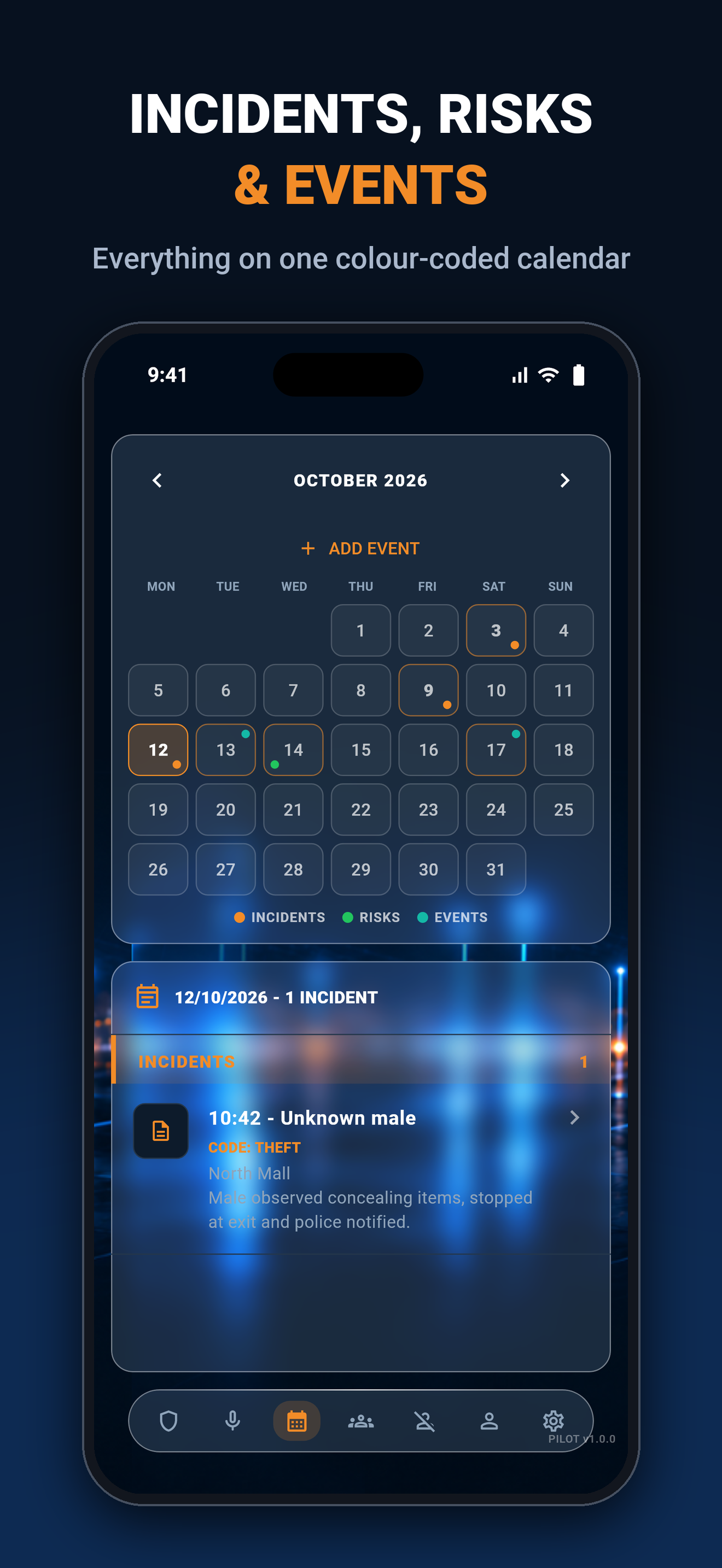
Select Create Forms, Rosters, Voice Duress or Integrate CCTV below to view images and details. Demonstration images use fictional names.

Export a roster file from your current platform, then import it into FIR. Review the column and staff matches before saving.
Save, share, import or export your company documents through the appropriate document workflows, with access controlled by user permissions.
Create and share documents for your staff. Keep company forms and instructions together in your portal.
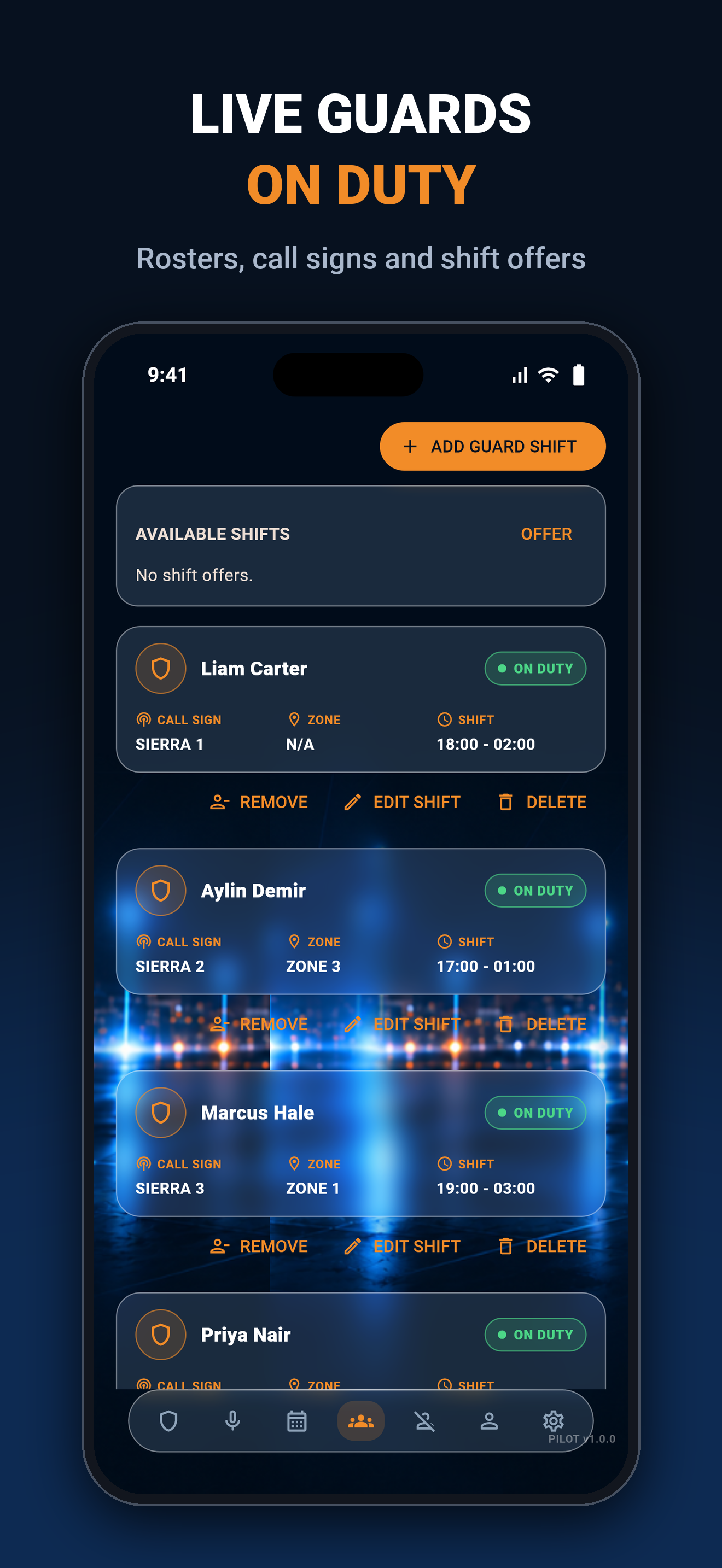
See all Guard and Staff rosters at a glance. Check on-duty teams, upcoming shifts and coverage in one place.
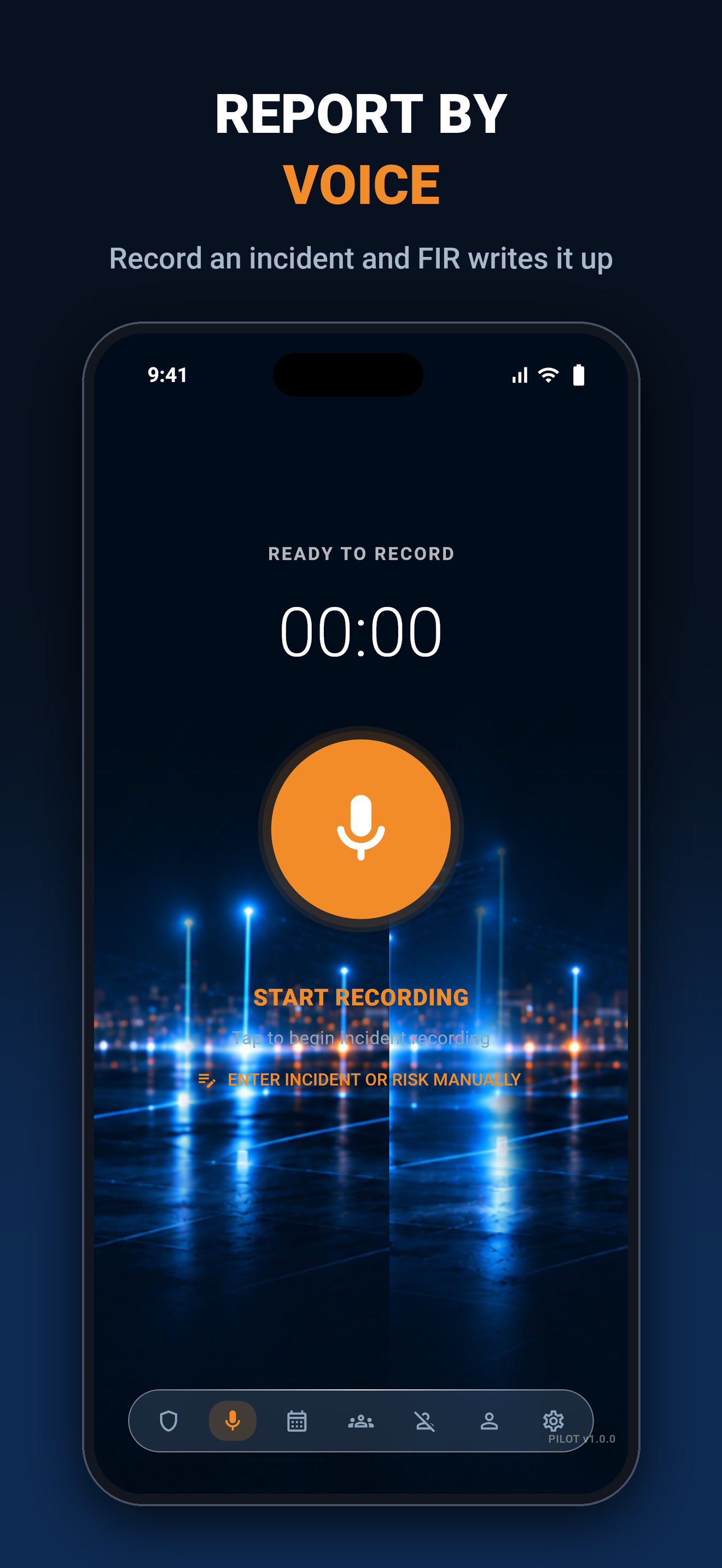
Send voice duress information through FIR to help your team understand the situation and coordinate a response.
Link site locations with camera workflows. Integration requirements are reviewed for your site.
Bring your existing files and operational workflows into one company portal. File compatibility, permissions and integration configuration apply.
Start from NEW COMPANY SETUP. Create your company portal, bring in your people and configure the site before inviting the team to use FIR.
Register your company and administrator account, verify your email and follow the portal setup steps.
Import a roster spreadsheet from your existing platform, match names or create new Guard accounts. You can also add Guards and Staff manually.
Configure your site and locations. Draw, name and save your guard sign-on circle on the map without typing latitude or longitude.
Invite users, sign in to the FIR app and enable the required notification and location permissions. Check your roster and test the alert workflow before going live.
Need a hand with maps, devices or integrations? Discuss your deployment with us.
Start with a 14-day free trial for your company. Choose a subscription based on your active Guard and Staff accounts, with deployment options for single sites, security companies and larger operations.
Create your company portal and explore the platform before choosing your subscription. Duress alerts are included on every plan.
START FREE TRIAL →All prices in AUD, excluding GST. Annual billing is priced at 10 monthly payments.
UP TO 10 STAFF
$99 / MONTH
$990 billed annually
TRY STARTER →
UP TO 30 STAFF
$249 / MONTH
$2,490 billed annually
TRY TEAM →
UP TO 75 STAFF
$499 / MONTH
$4,990 billed annually
TRY BUSINESS →
76+ STAFF
FROM $899 / MONTH
From $8,990 billed annually
DISCUSS ENTERPRISE →